Front Vs Rear Dash Cam
A front vs rear dash cam comparison is one of the first questions new buyers ask. A dash cam is a small camera mounted in a vehicle that records video while you drive. The right choice depends on what you want the camera to capture.
This article explains what each type does, where they differ, and when a dual setup makes sense.
Key Takeaways
- A front dash cam records the road ahead and is the most common choice for beginners.
- A rear dash cam records behind the vehicle and helps document rear-end collisions and parking incidents.
- Dual systems record both directions but usually cost more and need more storage.
- Power wiring, memory card quality and camera placement affect performance.
- Your daily driving habits and local rules should guide your choice.
What Is a Front vs Rear Dash Cam?
A dash cam, short for dashboard camera, records video through the windshield or rear window. Front models face forward, while rear models face backward. The direction determines what the camera can later show.
Both types create a video record of the road around your vehicle. That record can help explain a collision, a near miss or a parking scrape.
Front Dash Cams Explained
A front dash cam mounts behind the rearview mirror and faces the road ahead. It is the most common type on the market. It captures traffic, traffic lights and lane changes by other drivers.
Rear Dash Cams Explained
A rear dash cam faces backward, usually on or near the rear window. It records traffic behind your vehicle and is often used alongside a front model. Its view is narrower than a front camera, but it fills an important gap.
Why Drivers Use Dash Cams
Drivers use dash cams mainly to keep a record of events on the road. Clear video can help settle disputes, support insurance claims and assist police reports. Some drivers also use them for peace of mind, and rideshare drivers often use them for added accountability.
How Front and Rear Dash Cams Work
Dash cams follow a simple cycle. They record, save and overwrite video. Knowing this cycle helps you set up your camera correctly.
Recording Video and Storing Footage
The camera starts recording when the engine or power source starts. Footage is saved to a removable memory card, usually as short clips of a few minutes each.
Some cameras save a clip when a built-in sensor detects a sudden jolt. That clip is usually protected so it is not overwritten.
Power Sources and Wiring Basics
Most dash cams connect through a power cable plugged into the cigarette lighter socket or wired to the fuse box. The cable runs along the windshield edge and down the side pillar.
A rear camera needs its own power path. Many dual systems run a long cable from the front unit to the rear unit. Wired connections are generally more stable than wireless links.
Loop Recording and Memory Cards
Loop recording lets a dash cam keep working without filling up. When the card is full, the oldest unprotected clip is erased to make room for new footage.
Constant rewriting wears out a memory card over time. Look for a card labeled for dash cam use, since a general-purpose card may fail sooner.
Front vs Rear Dash Cam: Key Differences
The two types differ in what they capture, how they are installed and what they cost to run. The sections below explain the main contrasts.
Field of View and What Each Camera Captures
A front camera sees the road ahead, including other vehicles, signs and signals. Its view is usually wider, which makes it the better choice for events that most often lead to disputes.
A rear camera sees the road behind, which is useful for rear-end collisions and backing incidents. Its view is often narrower, but it covers the area a front camera cannot.
Protection From Rear-End Collisions
Rear-end collisions are common in heavy traffic, and the driver behind is often considered at fault. A front camera cannot show the car that hits you from behind.
A rear camera closes that gap. It can show the approach of the following vehicle and the moment of impact, which is why many drivers choose a rear model for fuller coverage.
Night Recording and Image Quality
Night image quality depends more on the sensor and lens than on the direction the camera faces. Rear cameras may struggle when headlights from following vehicles are bright.
Check the low-light details in the product specifications. Results vary widely between models, so clear night footage is not guaranteed.
Installation Complexity and Cable Routing
A front camera is usually simpler to install. It connects to one power source, sits behind the mirror and has a short cable that is easy to hide.
A rear camera needs a longer cable routed through the interior, often along the headliner and down a pillar. This takes more time and care, so some drivers prefer a professional to handle the routing.
Dual Dash Cam Setups Explained
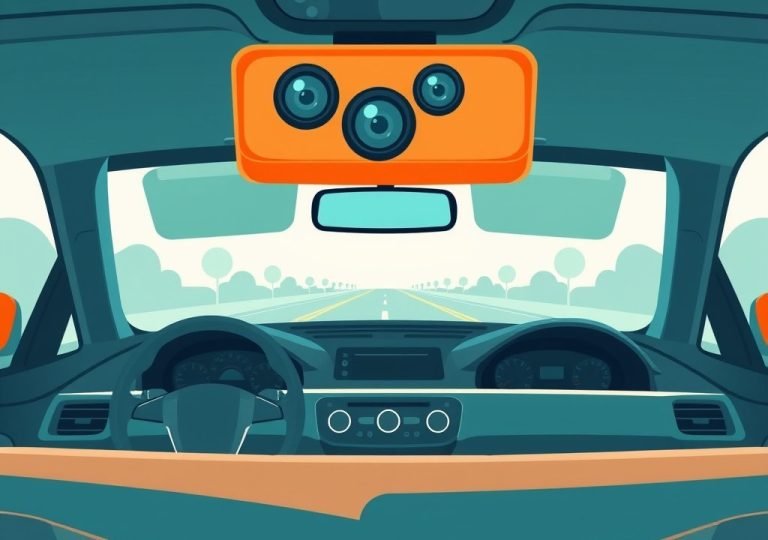
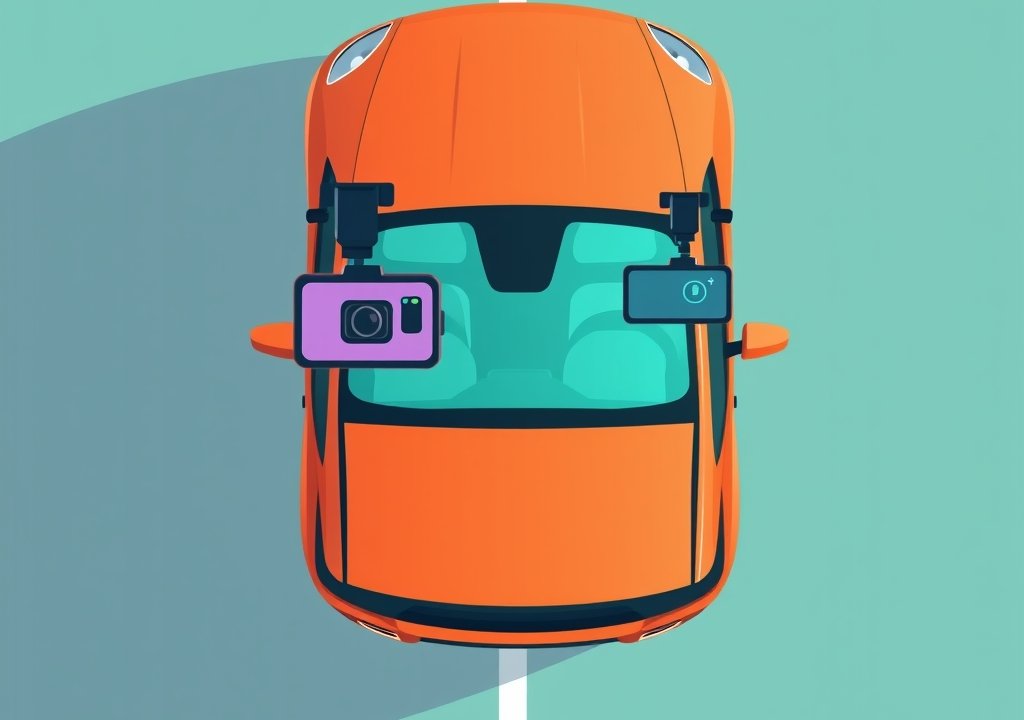
A dual dash cam setup uses two cameras, one facing forward and one facing back. The units usually share a recorder or work through a connected system. Together they cover the vehicle’s surroundings from the front and rear.
What a Front and Rear Dash Cam System Includes
A typical dual system includes a front unit, a rear unit, a connecting cable and a memory card. Some kits add a power cable and mounting hardware. Contents vary, so check the package list.
Some systems use one screen for both cameras. Others store each camera’s footage separately. Either way, the setup should be easy to manage.
Benefits of Recording Both Directions
The main benefit is complete coverage. Footage from both directions can show the full sequence of an incident. This helps most when fault is disputed.
Two angles of the same moment can also reveal details one camera might miss.
Cost and Storage Considerations
A dual setup costs more than a single front camera because it includes two units and more cable. Recording two channels also uses more storage, so a larger memory card may be needed.
Recording two cameras may draw more power, so confirm your vehicle can support the requirements.
Which Setup Fits Your Driving Needs?
No single setup suits every driver. The right choice depends on how and where you drive. The following examples show common situations.
Daily Commuters and City Drivers</h3
Daily commuters often face stop-and-go traffic, tight parking and frequent lane changes. For these drivers, a front camera is often the first step, since it records the events most likely to lead to a dispute.
A rear camera helps in busy areas where rear-end collisions are common. Drivers who spend long hours in traffic may find a dual setup more useful.
Rideshare and Delivery Drivers
Rideshare and delivery drivers spend many hours on the road and meet many passengers or customers. A record of both the front and the cabin or rear area can be helpful.
Some drivers choose a dual system for this reason, while others add an interior-facing camera. Local platform rules may limit what kind of recording is allowed, so check those rules first.
Parking Monitoring and Other Uses
Some dash cams can record while the vehicle is parked. This feature usually needs a constant power source or a hardwire kit, and it can capture impacts that happen when no one is in the car.
A rear camera is especially useful for parking, since many scrapes happen when reversing. Parking monitoring varies by model, so confirm what a camera supports before purchase.
Step-by-Step Tips for Installing a Dash Cam
Good installation makes a big difference in how well a dash cam works. The steps below apply to most front and rear models. Always follow the manufacturer’s instructions for your specific product.
Placing the Front Camera Safely
Mount the front camera behind the rearview mirror, out of the driver’s line of sight. Clean the windshield first so the mount sticks well. Make sure the camera does not block the view of the road.
Route the cable along the windshield edge and down the pillar. Tuck it under trim pieces to keep it neat and secure.
Positioning the Rear Camera for Clear Views
Mount the rear camera inside the rear window, angled to show the road behind. Keep the lens clean and away from tint film that may block the view.
Run the rear cable through the headliner and down a pillar. Avoid pinching it in doors or seats, and test the view before finishing.
Checking Recording Settings After Installation
Turn on the camera and confirm that both views record correctly. Review a short test clip on a computer or the device screen.
Check the date and time settings so footage is labeled accurately. Confirm that loop recording and impact detection are turned on.
Common Mistakes Beginners Make
Many first-time buyers run into the same problems. Knowing them in advance can save time and frustration.
Ignoring Local Rules on Windshield Mounting
Some regions limit where a device can be placed on a windshield, including the size of the mount or the area it can block. Check local vehicle regulations before mounting a camera.
A rear camera on the rear window may follow different guidance. Checking the rules helps avoid fines or having to move the device later.
Using Low-Quality Memory Cards
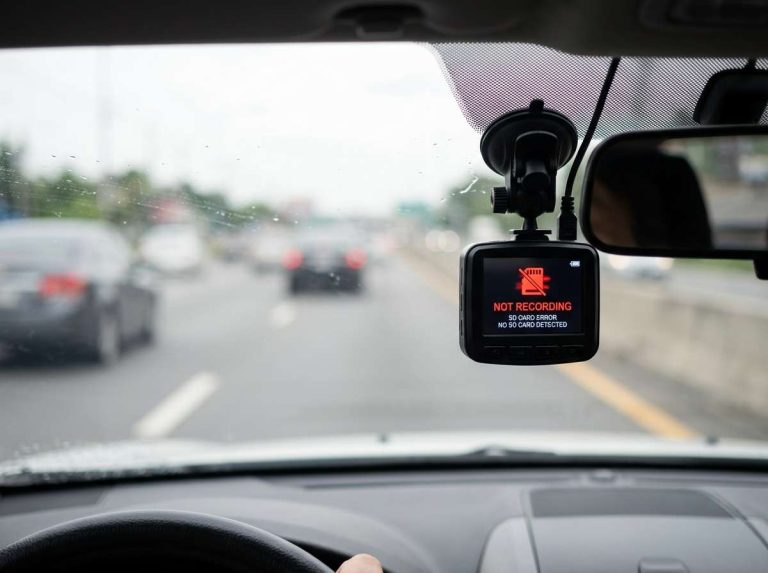
A cheap memory card can fail when it is rewritten many times, causing lost footage or a camera that stops recording. Choose a card labeled for continuous recording.
Check the card occasionally, format it in the camera as the manufacturer suggests, and replace it if it shows errors.
Forgetting to Check Footage Regularly
Some drivers install a camera and never look at the footage again, only discovering a blurry lens or missing clip after an incident. Regular checks prevent this.
A quick review every few weeks is a good habit. Look for clear images and correct time stamps, confirm both cameras are recording, and wipe smudged lenses.
Frequently Asked Questions
Is a front dash cam enough on its own?
A front dash cam covers most common road events, including what happens ahead and at intersections. It does not record rear-end collisions, so a rear camera may be worth considering.
Does a rear dash cam need its own power connection?
Most rear cameras need a power path, either a cable run from the front unit or a separate connection. Check the product details to confirm how power is supplied.
Can a rear dash cam record at night?
Many rear cameras can record at night, but image quality varies by model. Bright headlights from following vehicles can affect the view.
Do I need a memory card for a dash cam?
Yes, most dash cams save footage to a removable memory card. Choose a card labeled for continuous recording to reduce the chance of failure.
Are dash cam recordings always accepted as evidence?
Footage can help explain an incident, but acceptance depends on the situation and local rules. Keep original files and speak with a qualified professional if a dispute arises.
Conclusion
A front dash cam is the usual starting point, since it records the road ahead and the events most often involved in disputes. A rear dash cam adds coverage for rear-end collisions and reversing incidents. A dual setup gives the fullest view but costs more.
Your daily driving, local rules and budget should guide the choice. Good installation, a suitable memory card and regular checks make any setup more useful.

Peterson is an automotive safety enthusiast and product reviewer with a passion for helping drivers stay safe on the road. He researches and tests dash cams, backup cameras, TPMS systems, emergency tools, GPS trackers, and other vehicle safety products to provide honest, practical recommendations. Through CarSafeties.com, Peterson shares in-depth reviews, buying guides, and maintenance tips to help drivers make smarter and safer decisions.